
POS and stock control for co-operative supermarkets
Billing and stock control for co-operative supermarkets, including Coop City outlets: keeps selling offline, syncs to head office, and hands each day over to the accounts.
Built for co-operative supermarkets
A co-operative supermarket cannot stop billing because the internet went down. The SSIPL POS keeps selling offline and sends the day’s transactions to head office when the connection is back, so no bill is re-entered.
Goods received, transfers between branches, returns, price changes and stock takings are recorded at the outlet. Head office sees daily F15 stock and F9B sales summaries for every branch, checks and authorises each day, and those figures carry into the accounts and the F28 month-end.
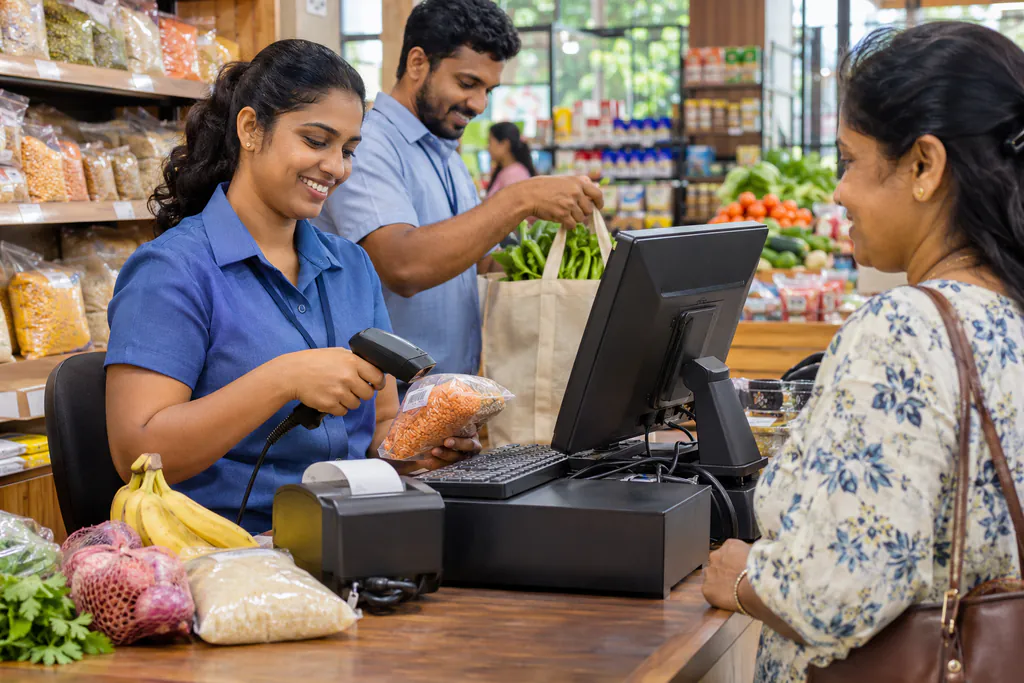
What the outlet POS covers
Keeps selling offline
Billing carries on when the internet drops. The day reaches head office when the connection is back.
Barcode billing
Scan items at the counter. Prices and barcodes come from one item master for every branch.
Goods received (F16)
Deliveries are recorded at the branch and update stock straight away.
Branch transfers (F18)
Move stock between branches with a record at both ends.
Returns (F19)
Customer and supplier returns are recorded against the right stock.
Price changes and stock takings
Price changes apply across branches; stock takings record what is on the shelf.
Daily F15 and F9B
Stock and sales summaries for every branch, every day.
Expiry alerts
See stock that has expired or will expire within 30, 60 or 90 days.
Hands over to accounts
Authorised branch days feed head-office accounts and the F28 month-end.
Who it is for
Co-op supermarkets
Pharmacies
Hardware stores
Fuel stations
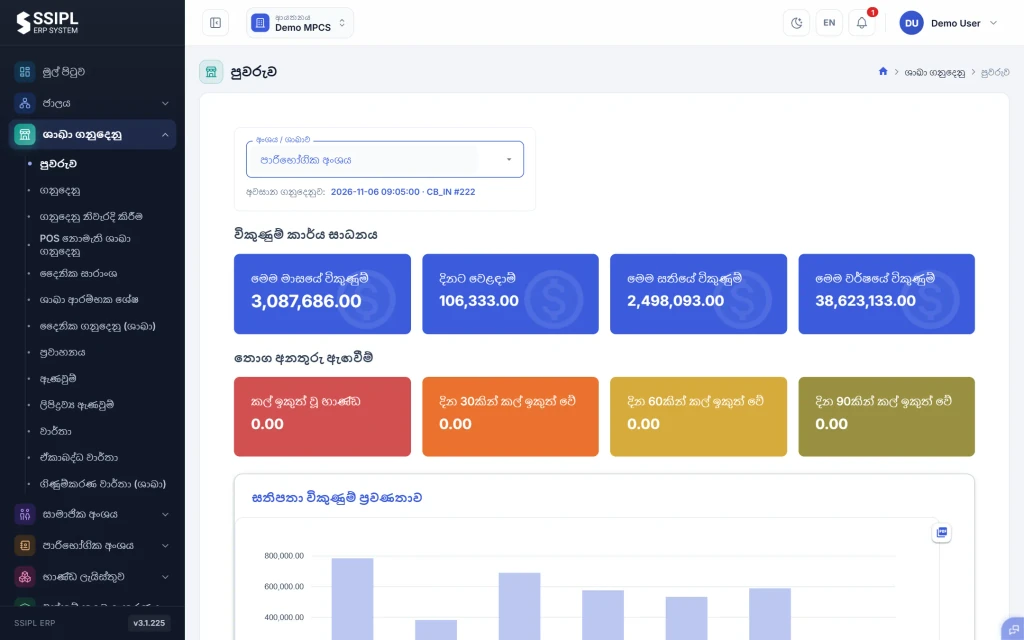
From the counter to the month-end
Each outlet's day arrives at head office with its bills, receipts, transfers and returns. Head office checks it, corrects anything that needs correcting and authorises it before the day is closed.
Authorised branch days become the first area of the F28 month-end, so trading accounts are built from the same figures the outlets recorded.
See how F28 accounting worksWhy businesses stay with SSIPL
Many of our clients have used our software for years. These are the reasons they give.
We test before we ship
Every release goes through testing before it reaches your counters, desks or canteens.
We pick up the phone
Our support line is open Mon to Sun, 7 AM to 10 PM, in English or Sinhala.
We keep improving
We were first to bring mobile stock-taking to MPCS, and we keep building what clients ask for.
Frequently asked questions
Does the POS work without internet?
Yes. The branch POS keeps billing offline and sends its transactions to head office when the connection is back.
How do branch sales reach head-office accounts?
Each branch day arrives at head office, where it is checked, corrected if needed and authorised before the day is closed. Authorised branch transactions then feed the accounts and the F28 month-end.
Can it handle transfers between branches and returns?
Yes. Branch transfers (F18), returns (F19) and goods received (F16) are recorded at the branch and show in that day’s summaries.
What hardware does an outlet need?
A counter PC running the SSIPL POS software and a barcode scanner. Head office and managers use a web browser.
How much does the POS cost?
It depends on how many counters, branches and modules you need. Call or email us and we will send a quote after a short conversation about your outlets.
Related solutions
See it working before you decide
Book a demo and we will walk you through the system using examples from your own business. No obligation.